
Interviewers
To find a quote, name the speaker, and keep the conversation searchable.
Your recording, in your own words.
Turn audio and video into an editable transcript. Keep the words you need, cut the rest, and export subtitles or finished media. All on your Mac.
 Scribe / A good conversation
JAMIE · INTERVIEW
From $3 a month, billed annually, or $9 month to month.
14-day free trial, no card.
Scribe / A good conversationJAMIE · INTERVIEW
Transcription
Import audio or video, or record your mic, an app, or the whole Mac. Use on-device Apple Speech or connect a local Whisper model. Your library keeps the recording beside its words.
Take a closer look
Nondestructive editing
Correct a word. Give a speaker a name. Cut a timed segment and it comes out of your media export. Restore it with a click. Your original recording stays intact.
Your next step
Take plain text, Markdown, or JSON into your workflow. Export SRT and WebVTT captions on the original or edited timeline. Finish with M4A audio or MOV video.
To find a quote, name the speaker, and keep the conversation searchable.
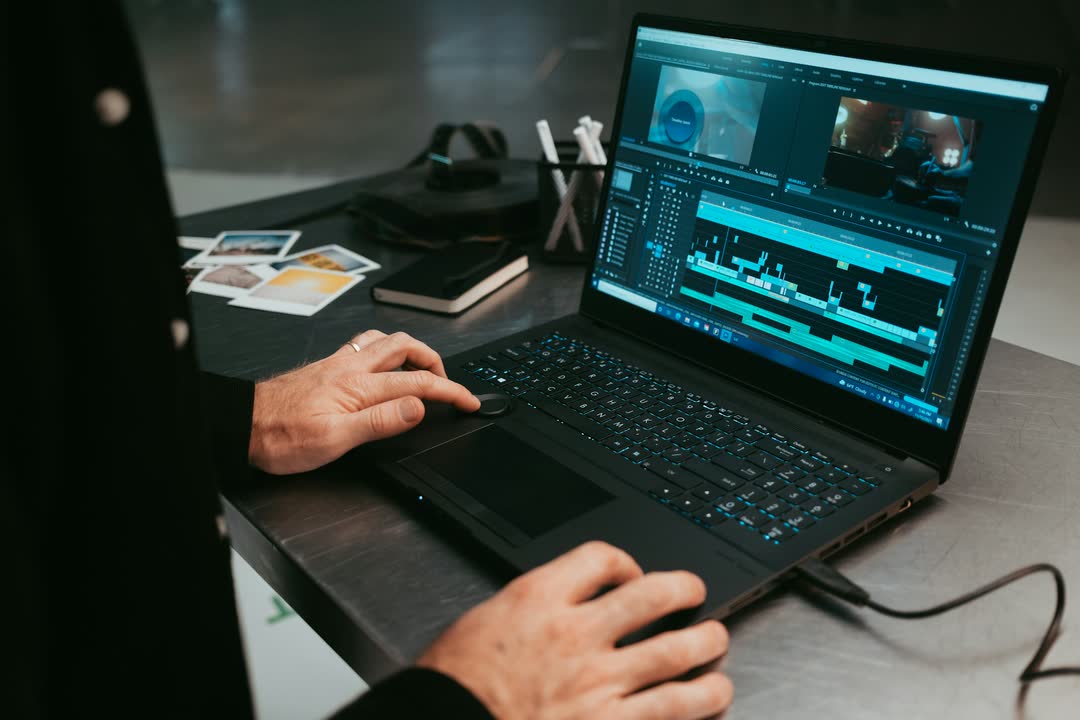
To cut spoken passages and export captions for the finished edit.
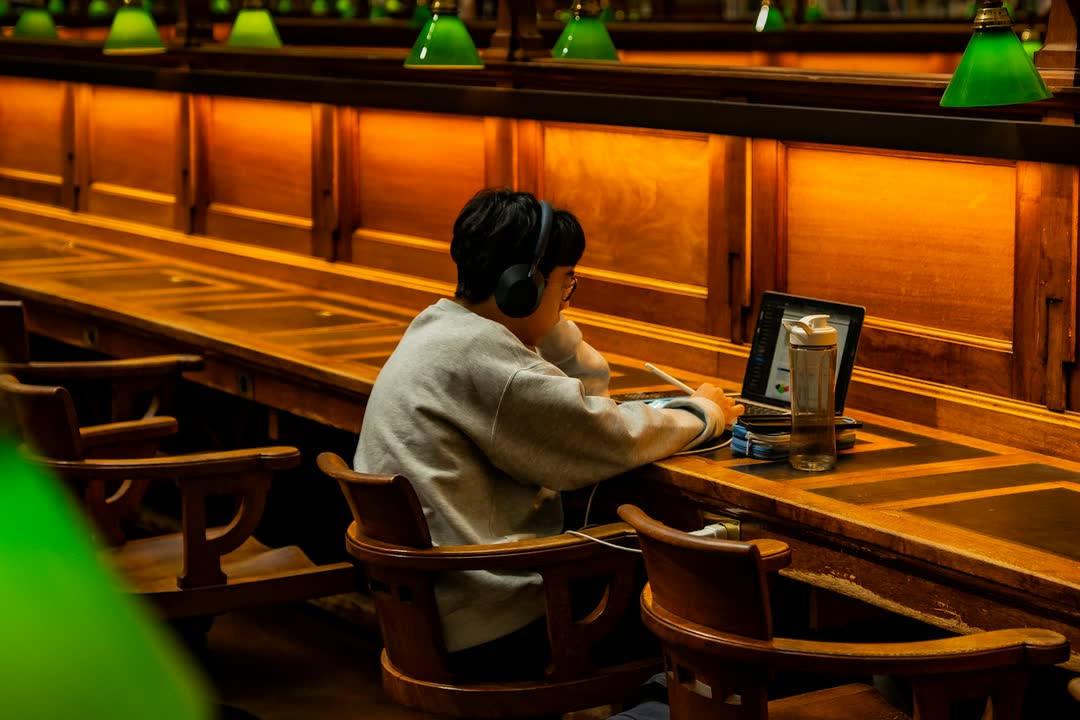
To turn lecture recordings into transcripts and study notes.
To keep meeting recordings, transcripts, and notes on their own Macs.
All in the family
Open recordings from Midtune Record in Scribe. Balance playback with Mix. Scribe is available on its own and included in Complete and every Business seat.
System and app audio recorder
From $3 a month
Learn more
Virtual audio routing
From $3 a month
Learn more
On-device noise removal
From $3 a month
Learn more
Per-app volume, output, and equalizer
From $3 a month
Learn more
Local transcription and media editing
From $3 a month
Currently viewing
Voice-following teleprompter
From $3 a month
Learn more
All six apps, and every app we add
From $5 a month
See plans
Recording, routing, and noise removal run locally. Microphone audio and camera takes stay local. Prompt script sync is optional and off by default.
Subscribe for a year and that version is yours: keep using it forever, on the same Macs, even if you never pay again.
Every page says what the app does not do. If something cannot be captured or cleaned, we tell you what and why.
Midtune Scribe is a native transcription and media editing app for macOS 26. It uses on-device Apple Speech or a local Whisper model to transcribe recordings, then lets you correct text, label speakers, make nondestructive cuts, and export audio, video, and captions.
| Minimum macOS | 26.0 |
|---|---|
| Transcription | On-device Apple Speech; optional local whisper.cpp and ggml model |
| Recording | Microphone, system audio, or a single application |
| Editing | Timed text corrections, manual speaker labels, reversible cuts, undo |
| Text exports | TXT, Markdown, JSON, SRT, WebVTT |
| Media exports | M4A audio, MOV video; original media preserved |
| Summaries | On-device Apple Intelligence, when available |
| Privacy | No recording or transcript uploads |
Paying month to month: $9. Now: $3/mo
Billed annually: $29 a year.
Paying month to month: $19. Now: $5/mo
Billed annually: $59 a year.
Annual plans are billed once a year. The rate per month is the yearly price over twelve months, rounded up to the dollar.
Students and teachers save 89% for the first year. See education pricing
No. Transcription uses Apple Speech on-device or the local Whisper executable you choose. Summaries use the on-device Apple Intelligence model.
No. Apple Speech is the built-in option. For Whisper, choose your whisper.cpp executable and a downloaded ggml model in Settings.
Yes. Cut timed transcript segments and export the remaining video as MOV or audio as M4A. Your original recording is preserved.
New recording, transcription, and AI summaries require a plan. Saved projects, transcript edits, and exports remain available.
14 days free. No card to start.
Installs through the Midtune app. Requires macOS 26.0 or later.